What is cloud software?
Kahu team·Updated 2 Oct 2026·5 min read
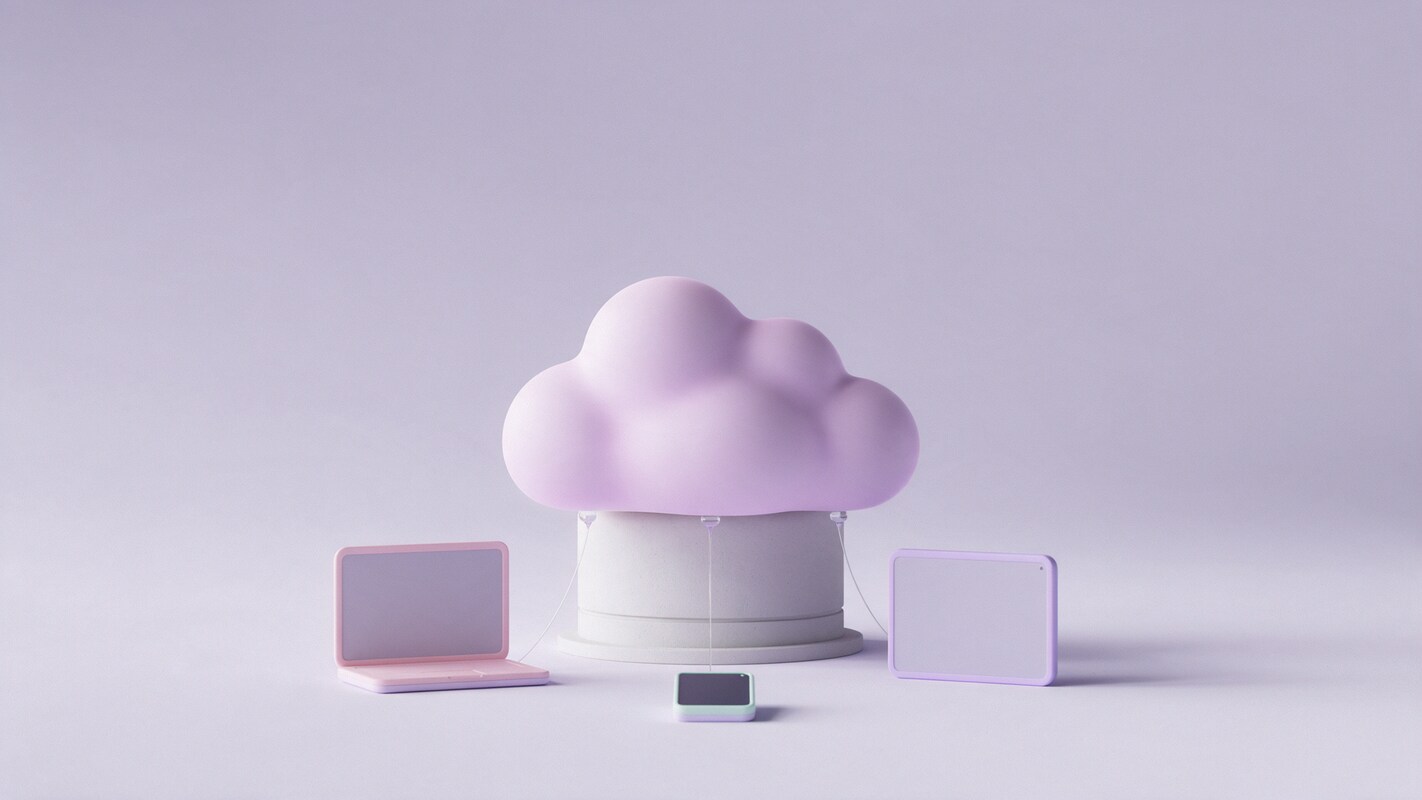
Cloud software is software that runs on someone else’s computers in a data centre, and you use it over the internet through a browser or an app. Your files and data are stored there too, so you can reach them from any device. Email services, online accounting and shared drives are everyday examples.
Cloud software in one sentence
“The cloud” is just a friendly name for large data centres full of computers that you rent time on, instead of owning the machine yourself. Cloud software lives there. You open it in a browser or an app, sign in, and do your work. Nothing important lives only on your laptop, so a lost or broken laptop is an inconvenience rather than a disaster.
Cloud software and SaaS
The two terms overlap a lot. SaaS, software as a service, is cloud software you pay for by subscription, such as online accounting or a CRM. “Cloud” is the wider idea: it also covers storage you rent, like a shared drive, and the raw computing power that developers use to build apps. For a business owner, almost every cloud tool you sign up for is SaaS.
What it is good at
- Working from anywhere: the office, home, a client’s site or your phone.
- Sharing: two people can see the same customer list or document at once.
- Backups and updates handled by the provider.
- Starting small: no server to buy, and you can add users as you grow.
What to watch out for
| The upside | The catch | |
|---|---|---|
| Internet access | Use it anywhere with a connection | A bad connection slows you down; check what works offline |
| Your data | Stored and backed up for you | It sits with the provider, so check exports and privacy terms |
| Cost | Small monthly fee, no big purchase | Fees continue as long as you use it, and add up per user |
| Security | Providers invest heavily in it | Your account is only as safe as your password and two-factor settings |
 Where Kahu fits
 Two Thursday gaps at 11:00 and 14:30. Drafted messages to 6 waitlisted customers.
 Updated the hours on your site and Google profile to Sat–Sun 8–2.
 One post about the new hours, using your Sunday counter photo.
Moving to the cloud without the mess
- 1List what you use nowWrite down every program, spreadsheet and shared folder the business relies on.
- 2Start with one jobEmail, files or accounting are common first moves. Do one, settle it, then the next.
- 3Turn on two-factor authenticationBefore you move any customer data, protect the account that holds it.
- 4Check you can get your data outTry an export early. If it is hard to leave, you want to know now.
Frequently asked questions
Is cloud software safe for business data?
Reputable providers usually protect their systems better than a small business could alone. The weak point is normally the login, so use strong passwords and two-factor authentication.
Does cloud software work without the internet?
Some tools offer an offline mode that syncs when you reconnect. Many do not, so check before you rely on it at a site with poor coverage.
What is the difference between cloud software and cloud storage?
Cloud storage keeps your files online. Cloud software lets you do the work itself online, such as sending invoices or managing customers.