How to manage customers: records, groups, contact plans and privacy
Muskaan Sharma·Updated 3 Nov 2026·12 min read

Keep one up-to-date record per customer showing what they bought, when, their preferences and whether they agreed to marketing. Group customers into new, regular, due and lapsed, and give each group a simple plan: a thank-you, a personal note, a timely reminder or one gentle check-in. Reply to problems the same day and follow up once fixed. Collect only what you need, keep it secure and delete it when you no longer need it. A 20-minute weekly review keeps it all working.
Winning a customer is the loud part of running a business. Keeping one is quieter: remembering that the bookkeeping client's year-end is March, that the physio patient prefers early mornings, that the couple who hired you to landscape their back garden mentioned they'd do the front “next spring”. None of it is hard. All of it is easy to lose.
In a small business, managing customers comes down to a few habits: keep one honest record per customer, group people by what they need from you, stay in touch for a reason, handle problems quickly, and look after their information properly. This guide covers each one, with the layouts and checklists I'd use.
I'm a user researcher at KahuLogic, where we build websites and marketing tools for small businesses. I'll mention our own tool once, near the end; everything else works whichever tools you use.
Managing customers is not the same as managing leads
Lead management ends at the sale; customer management starts there. With a lead, the goal is a first yes. With a customer, it's the next booking, the referral and the honest review, and those depend on the customer feeling remembered rather than marketed at.
The commercial case is well known. Research by Frederick Reichheld of Bain & Company, cited in a 2014 Harvard Business Review article, found that a 5% increase in customer retention could lift profits by 25% to 95%. That work looked at bigger companies in particular industries, so I'd treat the range as a direction rather than a forecast for a café. The logic still holds: a returning customer costs nothing to find, already knows what you do, and is the person most likely to recommend you.
What should a customer record contain?
One record per customer, kept current, is the foundation of everything else. It doesn't matter whether it lives in a CRM, a booking tool or a well-kept spreadsheet, as long as there's only one and everyone uses it. These are the fields I'd want on every record.
- Name, and the way they prefer to be contacted (email, text, phone).
- What they bought or booked, and when. This is the field most businesses forget, and it's the one that makes reminders possible.
- Notes worth remembering: preferences, access details, the dog's name, “hates being called before 9”.
- A short history of conversations, so anyone on the team can pick up where the last person left off.
- Marketing consent: yes or no, when it was given and how.
- Anything open: a complaint, a promised callback, a quote for further work.
Just as important is what not to collect. New Zealand's privacy principles say you should only collect personal information for a lawful purpose connected with what you do, and principle 9 says you must not keep it longer than you need it. If you don't need someone's date of birth, don't ask for it. Fewer fields are easier to keep accurate and safer to hold.
Group customers simply, by what they need from you
You don't need complicated segmentation. Four groups, based on how recently someone came and how often, cover most businesses. The point of grouping is to change what you do, so each group comes with a different action.
| Group | Who | What they need from you | A sensible action |
|---|---|---|---|
| New | First purchase or visit in the last month | Reassurance that they chose well | A thank-you and a check-in |
| Regular | Come back again and again | Recognition, and first notice of anything new | A personal note, early access to new dates |
| Due | Usually come back about now | A timely, specific reminder | A reminder tied to their last service |
| Lapsed | Much longer than usual since their last visit | A friendly check-in, not a hard sell | One gentle note, then leave them be |
A bookkeeper might base “due” on year-end dates. A physio might use the gap since the last appointment against what was recommended. A landscaper might use the season. Pick whatever reflects how your customers actually come back.
How often should you contact existing customers?
Often enough to be remembered, rarely enough to be welcome. For many businesses that means a handful of useful messages a year, each tied to something the customer would want to know. A weekly newsletter to everyone is usually the opposite of customer management; it treats your best client and someone who visited once three years ago the same.
I'd build a simple contact calendar per group. New customers get a thank-you and a check-in. Regulars get one or two personal notes a year and early word of anything new. Due customers get a reminder at the right moment. Lapsed customers get one friendly note and then nothing, unless they come back.
Promotional messages need consent. New Zealand's Department of Internal Affairs and Australia's ACMA both expect commercial electronic messages to have consent, identify the sender and include a working unsubscribe, and both are clear that a single purchase doesn't by itself give you consent to market to someone. Replies to customers and messages about what they bought are generally treated differently. Record consent on the customer record and check it before anything promotional goes out.
How to handle complaints and problems well
A problem handled well often builds more loyalty than a job that went perfectly. Handled badly, it becomes the story the customer tells their friends. I'd follow the same five steps every time.
- 1Reply the same dayEven if you don’t have the answer, say you’ve seen it and when you’ll be back in touch. Silence is what turns irritation into anger.
- 2Keep it personalComplaints get a named person, not a template or a bot. Use their name and say what you understand went wrong.
- 3Fix first, discuss fault laterOffer the fix or the options. Arguing about whose fault it was can wait, and usually doesn’t need to happen at all.
- 4Check the fix heldFollow up a few days later. This single message does more for trust than almost anything else you can send.
- 5Write it on the recordNote what happened and what you agreed, so nobody else on the team is caught out, and so automated messages pause until it’s resolved.
On reviews: if you ask customers for Google reviews, ask everyone the same way. Google's Business Profile policy says businesses must not selectively solicit positive reviews or discourage negative ones, and must not offer incentives. Pause any request for a customer with an open complaint, but don't build a filter that only sends the link to people you expect to be happy.
A worked example: a landscaper finds the customers it forgot
Here's a worked example. The business and every number in it are made up, so swap in your own. Picture a landscaping business with 180 past customers in its records. The owner sorts them by last job date and finds 70 haven't had any work done in more than 18 months, and 25 of those mentioned a future project at the time, such as a front garden, a retaining wall or a deck.
Of those 25, 16 agreed to hear about offers and updates. The owner writes one short, specific note to each: “Last time we spoke you mentioned the front garden. We've got some autumn dates free if you're still thinking about it.” It takes an evening.
Say 4 of the 16 reply and 2 book a job at a made-up average of NZ$3,500. That's 2 × NZ$3,500 = NZ$7,000 of work from one evening of writing, a strike rate of 2 in 16, from people who already knew and liked the business. The numbers are invented. The lesson isn't: your notes column is often the most valuable sales list you have.
Copy this: a customer record layout and three working templates
Here's the record layout I'd set up, whether in a CRM, a booking tool or a spreadsheet. The fields are the ones from earlier in this guide, plus the two that make grouping automatic: the usual interval and the next due date. The example is a made-up landscaping customer.
| Field | What goes in it | Example (made up) |
|---|---|---|
| Name | As they like to be called | Jo |
| Preferred contact | Email, text or phone, and any time limits | Text, not before 9am |
| First job | Date of their first purchase or visit | March last year |
| Last job and date | What you did and when | Back garden planting, 14 Oct |
| Usual interval | Typical gap between jobs, from your own records | 6 months |
| Next due | Last job date + usual interval | 14 Apr |
| Group | New, Regular, Due or Lapsed (rules below) | Regular |
| Notes worth remembering | Preferences, access, plans they mentioned | Side gate code on file; wants the front done next spring |
| Open items | Complaints, promised callbacks, quotes | None |
| Marketing consent | Yes or no, the date and how | Yes, 14 Oct, ticked on the invoice form |
| Last contacted, and why | Date and reason | 20 Oct, check-in after planting |
- 11. Group rules (work them out weekly or with a spreadsheet formula)New: first job within the last [30] days. Due: today is within [7] days of Next due. Lapsed: today is more than [2] × Usual interval after Last job date. Regular: [3] or more jobs and not Due or Lapsed. Everyone else: no group, and no special message.
- 22. Complaint note (add it to the record the same day)Date: [date]. What they said: [their words, briefly]. What we agreed: [fix, refund or visit]. Who owns it: [name]. Follow-up date: [date, a few days after the fix]. Automated messages paused: yes, until [date or resolved]. Resolved on: [date].
- 33. Yearly data clean-outFilter for anyone with no job and no contact in [three] years. For each: is there a reason to keep them, such as a warranty, a tax record or an open matter? If not, delete or anonymise the record. Remove access for anyone who has left the team. Check two-factor authentication is on for every login. Note the date you did it: [date].
Start with the fields you can fill from records you already have, usually name, contact, last job and date, and add the rest as each customer next comes through. The group rules turn the layout into the weekly to-do list described below; the complaint note makes sure automated messages stop for anyone who's unhappy.
Look after customer data properly
Managing customers well includes managing their information well. In New Zealand, the Privacy Act 2020 sets out 13 information privacy principles, and the Privacy Commissioner says a new principle, IPP 3A, came into force on 1 May 2026. Principle 5 expects reasonable safeguards against loss, misuse or disclosure, and principle 9 says not to keep personal information longer than you need it.
In Australia, the OAIC explains that most businesses with an annual turnover of A$3 million or less are generally exempt from the Australian Privacy Principles, but there are exceptions. A business that provides a health service and holds health information is covered, for example, whatever its size. Even if you're exempt, following the principles is good practice and makes any future change in the law easier.
- Keep customer details in one system, not in scattered spreadsheets, notebooks and personal phones.
- Give each person on the team their own login, and remove access the day someone leaves.
- Switch on two-factor authentication for every account that holds customer details.
- Delete or anonymise records you no longer have a reason to keep, on a schedule (once a year is fine).
- Know how you'd find and hand over everything you hold on a customer if they asked.
A weekly habit that keeps it all working
The systems above only work if someone looks at them. I'd set aside 20 minutes every week, same time, for a customer review. Check for anyone with an open complaint or a promised callback. Look at who's due this week and make sure reminders are ready. Skim the new customers from the past week and make sure each got a thank-you. Then check one lapsed customer you'd genuinely like to see again, and decide whether a note makes sense.
It sounds small. In my view it's the single most useful habit a small business can build around customers, because it turns all those records from an archive into a to-do list.
If you only do three things this week
- Add the Last job and date, Usual interval and Marketing consent fields to every customer record, starting with your last 50 customers.
- Sort your customers by last job date and list everyone more than twice their usual interval past their last job: that's your lapsed group.
- Put a recurring 20-minute customer review in your calendar for the same time every week, starting this Friday.
Where Kahu fits
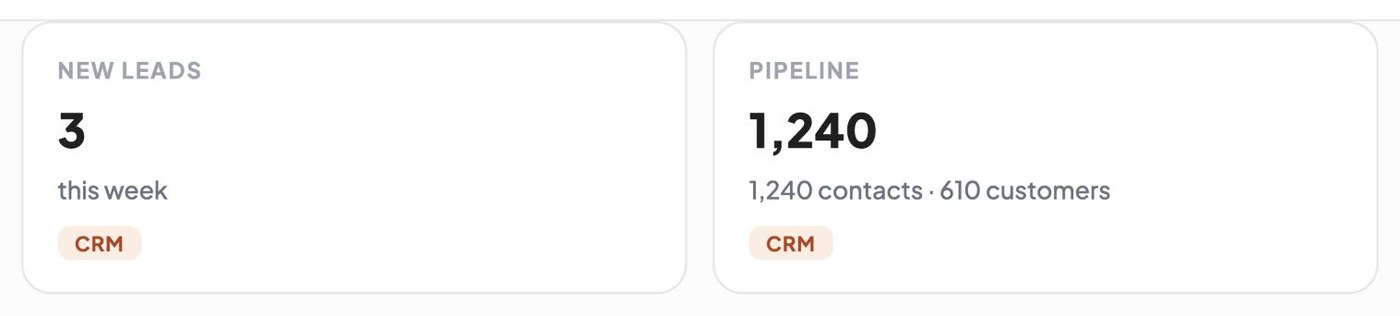
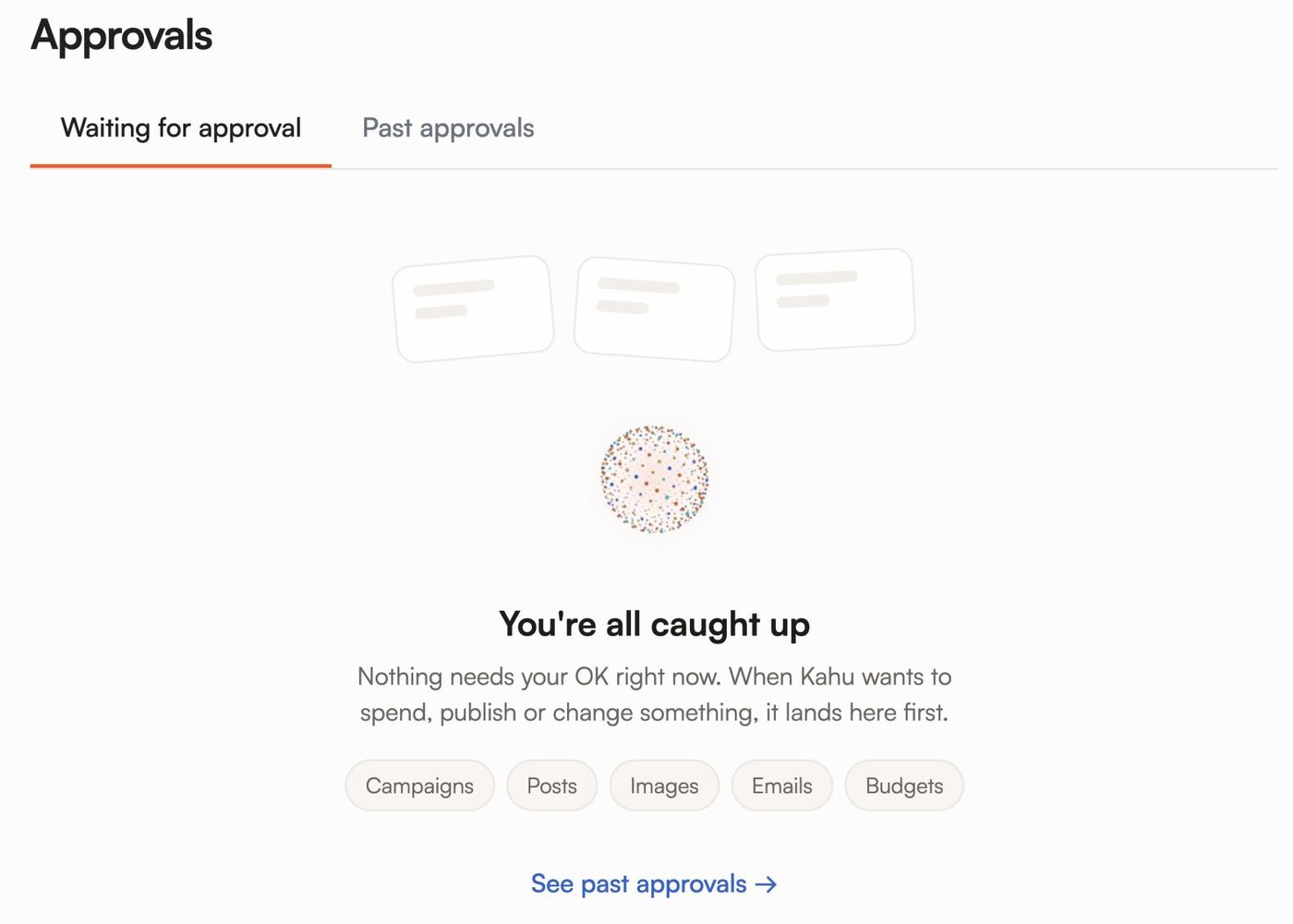
If you'd like help without handing over the keys, here's what our tools do. For the records this guide starts with, website and form enquiries arrive in Kahu CRM as contacts tagged with their source, so a new customer's record already says where they found you, and Kahu drafts the follow-up for you to check. Kahu Bookings adds online booking with reminders. Work Kahu drafts waits in your approvals queue until you approve it, and automations run only when you switch them on. Your website, ads and CRM are included from Growth (US$179 a month, or US$149 billed yearly). Starter (US$69) covers social posting, Creative Studio and chat. Starter, Growth and Pro start with a 14-day free trial.
 Where Kahu fits


 Website form · asked for a valuation · 2h ago
 Email · quiet 6 days
I'm Muskaan Sharma, User Researcher at KahuLogic, a New Zealand company with a team across Australia, New Zealand and India. My honest view is that most customers who drift away weren't unhappy; they were simply never reminded, and fixing that is far cheaper than finding someone new.
Frequently asked questions
What is the best way to manage customers in a small business?
Keep one up-to-date record per customer with what they bought, when, their preferences and their marketing consent. Group customers into new, regular, due and lapsed, give each group a simple contact plan, handle problems the same day, and review the list for 20 minutes each week.
How often should I contact existing customers?
Often enough to be remembered and rarely enough to be welcome, which for many businesses is a handful of useful messages a year. Time each one to something the customer would want, such as a service falling due, rather than sending the same newsletter to everyone.
Can I send marketing to customers who never agreed to it?
Generally not. New Zealand’s Department of Internal Affairs and Australia’s ACMA both say consent to marketing can’t be inferred from a single purchase. You can still reply to customers and send messages about what they bought; promotions need consent, a clear sender and an unsubscribe.
What information should I keep about customers?
Only what you need to serve them: contact details, what they bought and when, useful notes, conversation history and consent. New Zealand’s privacy principles say to collect information for a clear purpose, keep it secure and not hold it longer than you need it.
Does the Australian Privacy Act apply to my small business?
Many businesses with an annual turnover of A$3 million or less are generally exempt from the Australian Privacy Principles, according to the OAIC, but there are exceptions, including businesses that provide a health service and hold health information. Check the OAIC’s small business guidance for your situation.
What is the easiest way to win repeat business?
A timely reminder. Most customers who lapse simply forgot, so a short, specific message just before they are usually due, sent to people who agreed to hear from you, tends to work better than discounts or frequent newsletters.
Sources, checked 3 November 2026
- Harvard Business Review: The value of keeping the right customers (2014)hbr.org
- NZ Privacy Commissioner: the privacy principlesprivacy.org.nz
- NZ Privacy Commissioner: principle 9, retentionprivacy.org.nz
- NZ Privacy Commissioner: security and internal access controlsprivacy.org.nz
- OAIC: small business and the Privacy Actoaic.gov.au
- Department of Internal Affairs: NZ spam law for businessesdia.govt.nz
- ACMA: avoid sending spamacma.gov.au
- Google Business Profile Help: prohibited and restricted contentsupport.google.com